Kopfweh

Help

First steps, guides and the most common questions. Anything else by email.

Getting started

  1. Log. Tap “Log Attack”, pick the strength and save. Side, symptoms and medication are optional.
  2. Weather. The app fetches air pressure, temperature and humidity for the start of the attack, and for days without one.
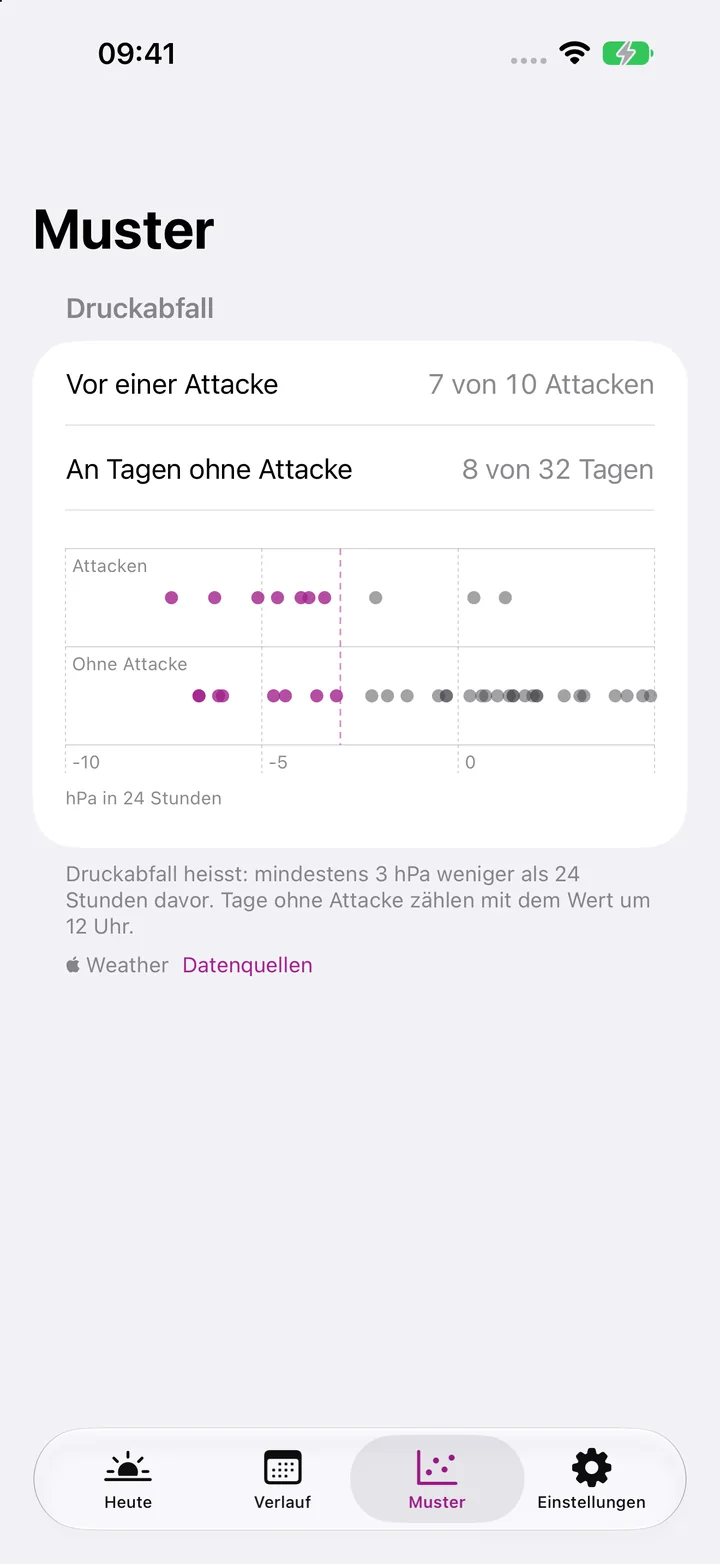
  3. Compare. After a few weeks, “Patterns” shows how often the pressure dropped before an attack and how often on other days.

Guides

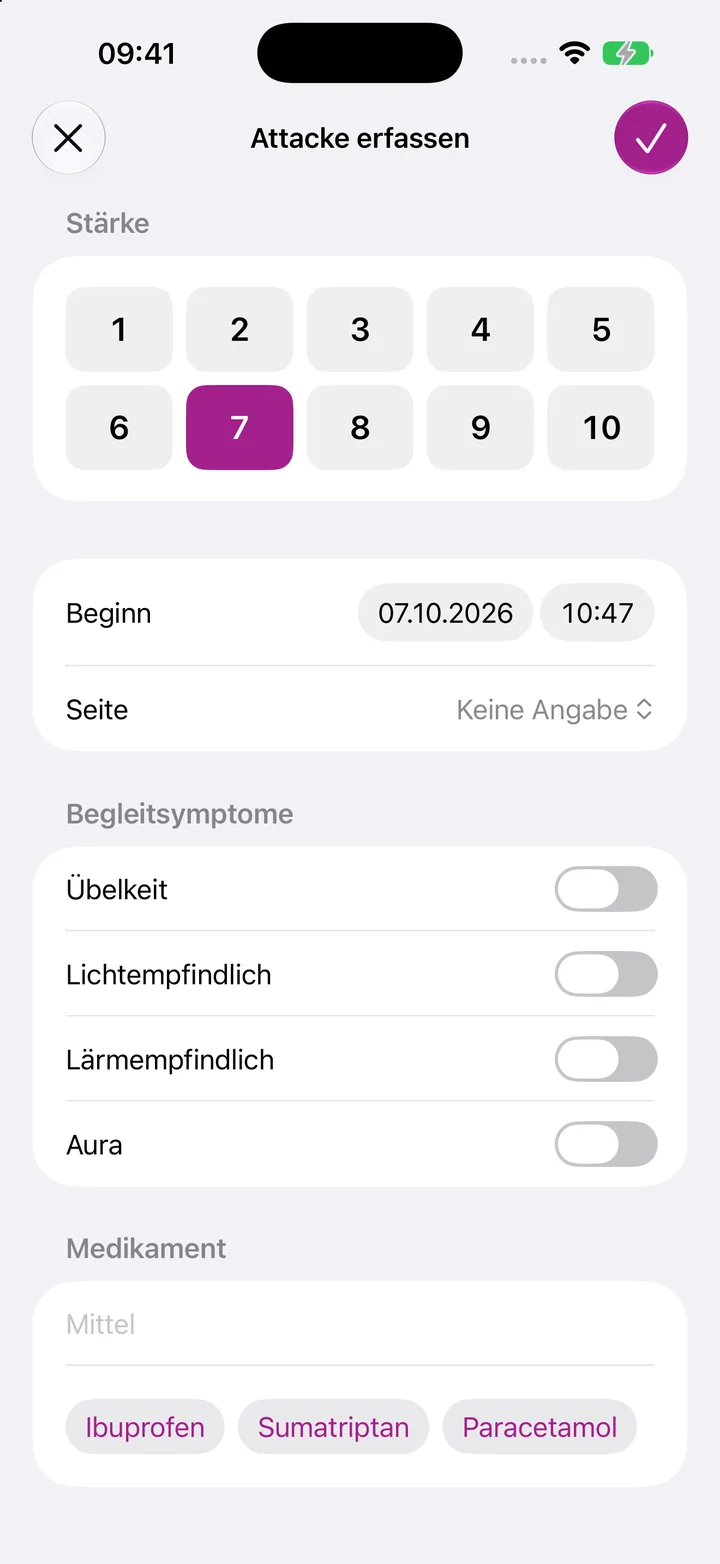
Log an attack

  1. On “Today”, tap “Log Attack”.
  2. Tap the strength.
  3. Tap the checkmark. The attack runs until you add the end.
Log an attack

Add the end

  1. On “Today”, tap “Add End”.
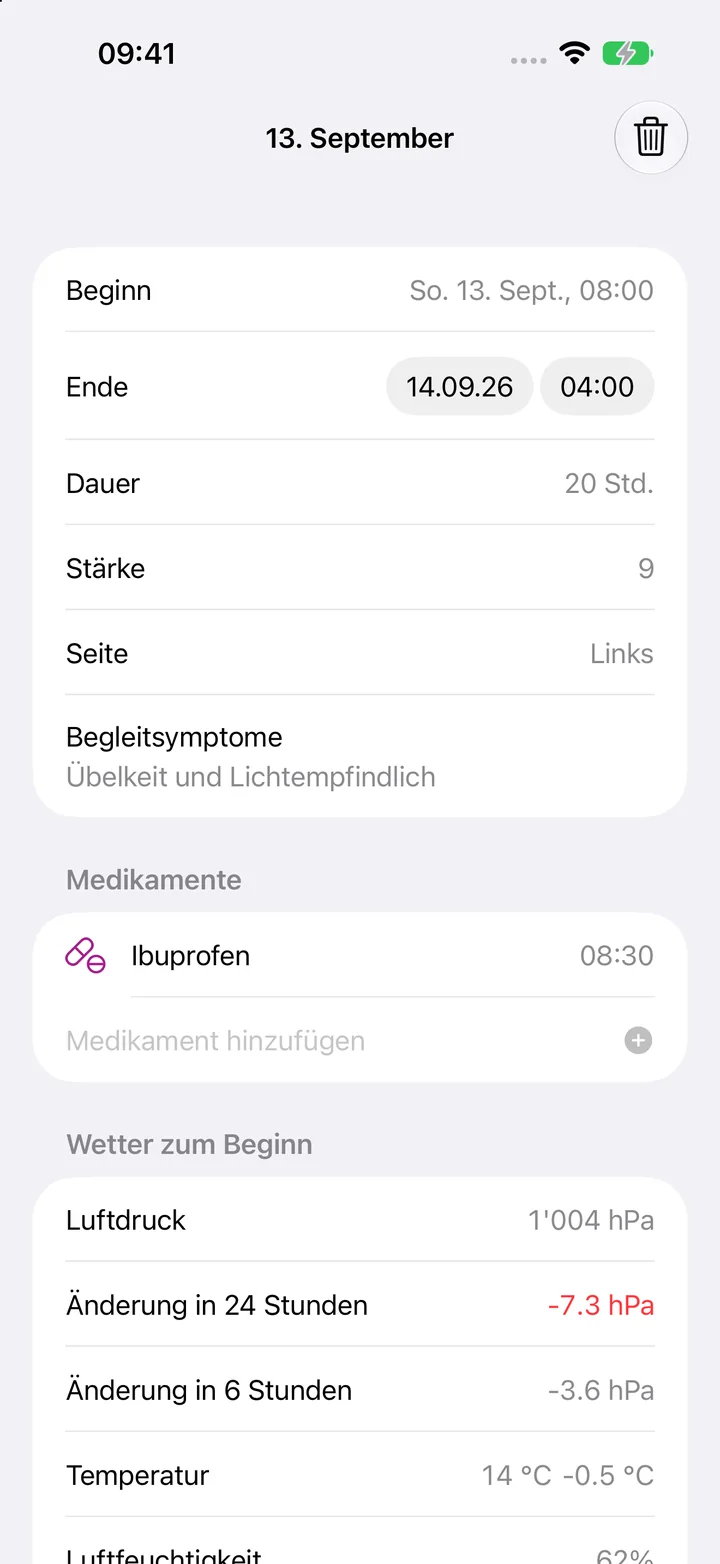
  2. Or open the attack in “History” and choose “Add End”. You can also correct the time there.

Add a medication later

  1. Open the attack in “History”.
  2. Type the name under “Medication”.
  3. Tap the plus.
Add a medication later

Read the pressure comparison

  1. Open “Patterns”.
  2. “Before an attack” counts how often the pressure fell by at least 3 hPa in the 24 hours before.
  3. “On days without an attack” counts the same at noon on the other days.
Read the pressure comparison

Frequently asked questions

Does the app make a diagnosis?

No. Kopfweh is a diary with an evaluation. For a new or unusually strong headache, see a doctor.

Why is the weather missing for an attack?

The weather needs internet access and your approximate location. If either is missing, the app fetches the weather the next time you open it.

When do I see a comparison?

After five attacks with weather and fourteen days without an attack. Until then, “Patterns” shows how much is still missing.

Does the app need an account?

No. There is no sign-in. Your entries stay on your device.

How do I delete everything?

Delete the app. All entries go with it.

Contact

A question, a bug, a wish: write to us.

kopfweh@bognar.net